Self-hosted Minecraft servers

Your ownMinecraft server.One command.

A web dashboard, scheduled backups, mod management, and a live 3D map — installed together, on hardware you already have.

curl -fsSL https://beacon-mc.io/bootstrap.sh | sudo bash

Vantage

01 / Deploy

The installer brings everything with it.

Docker, the Beacon CLI, the Minecraft server, and a working HTTPS certificate, set up in one pass. There is no config file to edit and no port to open.

root@fresh-box
$curl -fsSL https://beacon-mc.io/bootstrap.sh | sudo bash
[beacon-bootstrap]starting (dir: /opt/beacon)
[beacon-bootstrap]public IPv4: 203.0.113.42
[beacon-bootstrap]dashboard URL: https://203-0-113-42.sslip.io
[beacon-bootstrap]Minecraft heap: 6G
[beacon-bootstrap]installing Docker Engine
[beacon-bootstrap]installing Node.js 22 (NodeSource)
[beacon-bootstrap]installing the Beacon CLI
[beacon-bootstrap]running: beacon create /opt/beacon --yes
[beacon-bootstrap]running: beacon up --dir /opt/beacon
[beacon-bootstrap]bootstrap complete: https://203-0-113-42.sslip.io
Your beacon is running.
Dashboard
https://203-0-113-42.sslip.io
Claim admin
https://203-0-113-42.sslip.io/claim?token=…one-time link — claim it before sharing the address
Minecraft
203.0.113.42
run once, as root
  1. 01

    Run one line

    On any Ubuntu machine you control: a spare desktop, a cheap VPS, a home server.

  2. 02

    Claim the dashboard

    The installer prints a one-time admin link. Open it and the dashboard is yours, over HTTPS, with no domain to configure.

  3. 03

    Share the address

    Anyone you give it to joins from the launcher, which sorts out the version, the loader, and the mods for them.

02 / Run it

Run it from a browser, not a terminal.

Console, players, backups, mods, and the map, on one page over HTTPS. Nothing to install beside it, and no in-game plugin to keep up to date.

Aurora SMPbeacon.yourbox.dev
Players12/40
TPS20.0
Uptime4d 6h
Heap6 GB

Console

streaming
12:06Steve has made the advancement [Diamonds!]
12:07rcon weather clear
12:08mira_ joined the game
12:08<mira_> ohh the nether roof is open?
12:09Steve has made the advancement [Hot Stuff]
12:09Saved the game
12:10backup snapshot saved · 1.2 GB · 7s
say the nether portal is fixed
People

12 online · 48 members
wrenonline
kalonline
mira_online
thorneinvited

Backups

every 6h · keep 28 · offsite on
Today 04:00Restore
Yesterday 22:00Restore
Yesterday 16:00Restore

Mods

Modrinth + CurseForge
Search both catalogues…
Create
Sodium
Simple Voice Chat
Chunky

Map

rebuilt as you play
OverworldNetherEndxz 144, 64
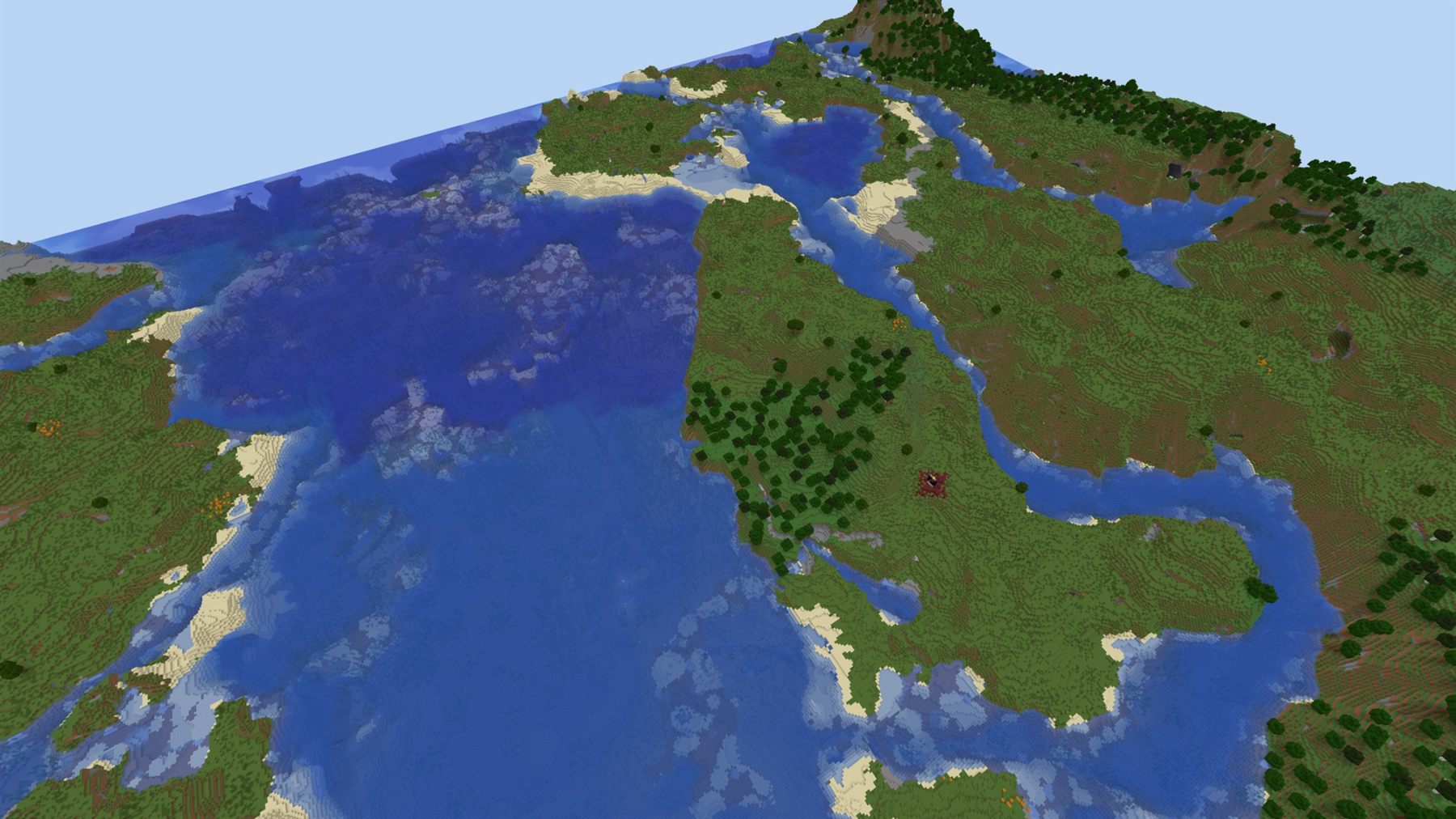
A Minecraft world rendered in 3D from above: forests, beaches, and open ocean.

Your whole world, rendered.

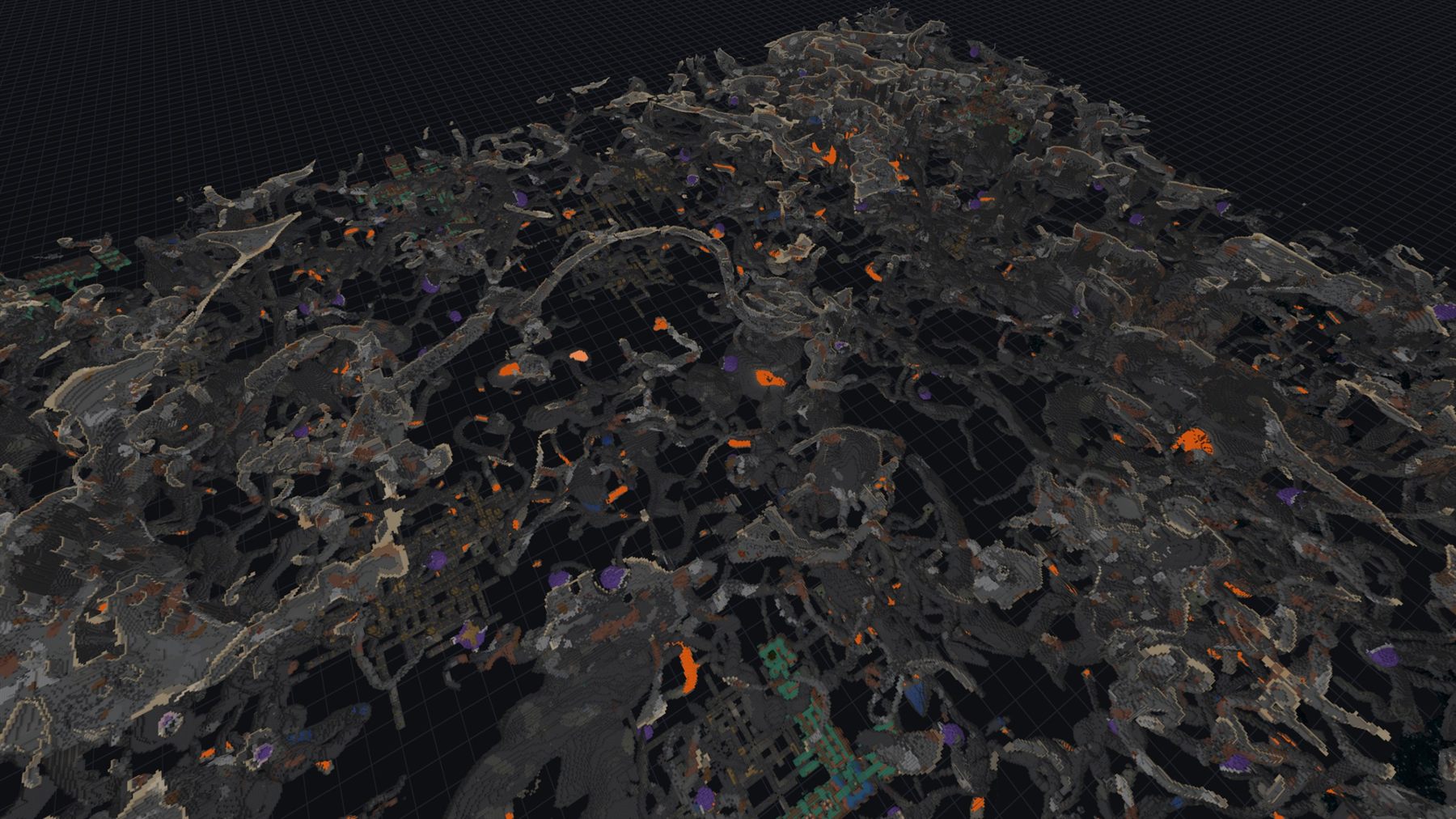
Every chunk anyone has explored, drawn in 3D in the browser. Drag across it to cut the terrain away and see what is underneath.

aurora-smp · overworldy=320surface
  • Every dimension

    Overworld, Nether, and End. The Nether renders with its roof taken off.

  • Live, not nightly

    Chunks re-bake as they change, so the map matches the world you are standing in.

  • Every view is a link

    The camera lives in the URL. Send someone the exact spot you meant.

  • No mods, no plugins

    It reads the world files. Vanilla servers get the same map modded ones do.

Explore a live worldVantage is Beacon's own renderer · installed with the server
04 / Play

Your friends just press Play.

They install the launcher, sign in with the Minecraft account they already have, and pick your server. It fetches the right game version, the right loader, and the right mods before it opens.

macOS 11+ · Windows 10+ · Linux x64
  • Always in sync

    The server's mod list is the source of truth. Change it and everyone has the update on their next launch.

  • Verified, not just downloaded

    Every mod is checked against its published hash and installed into one folder, which you can delete.

  • Not the only way in

    Prefer your own launcher? Export the modpack as a .mrpack, or just use the server address.

05 / Be found

Publish it, and people can find it.

A server is private until you list it. Once you do, it shows up here and in the launcher's server browser, with a live player count and a page of its own.

06 / The deal

What self-hosting actually gets you.

Beacon makes a self-hosted server about as easy to run as a rented one. It does not make it a rented one: the hardware, the world files, and the decisions are still yours.

  1. 01

    Self-hosted, not rented

    The world runs on hardware you picked. No monthly bill, and no one else holding your save file.

  2. 02

    Private by default

    World files, accounts, chat, and admin actions stay on your machine. Listing it publicly is opt-in and reversible.

  3. 03

    No lock-in

    Underneath it is a Docker stack and a folder of world files. Take a backup and leave whenever you want.

  4. 04

    Update when you want

    Upgrade from the dashboard or the CLI, and roll back if a release does not work out.

One line. Any Ubuntu 24.04 box.

Put it on a machine you own.

The server, the dashboard, the backups, the mods, and the map install together. List it publicly when you want to, or never.

curl -fsSL https://beacon-mc.io/bootstrap.sh | sudo bash
or read the getting-started guide →